

Let’s get started
Piggie User Guide
Piggie is a review campaign platform that connects brands with creators.
Creators can apply for campaigns, experience products or services, and share their content.
Creator Guide
FAQ
Complete Profile
1
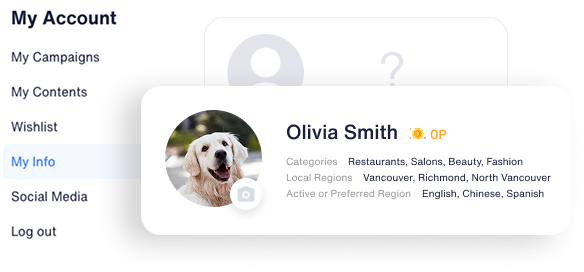
Complete Your Profile
The more details you add to My Info, the higher your chances of getting picked for a campaign. Make sure to fill out everything!
2
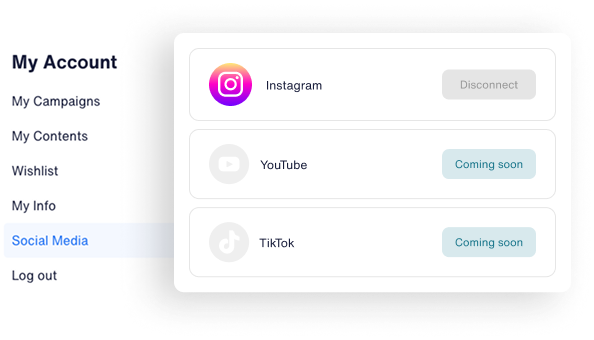
Link your active media
Connect your Instagram, YouTube, or TikTok to apply for campaigns easily!
Apply for Campaigns
1
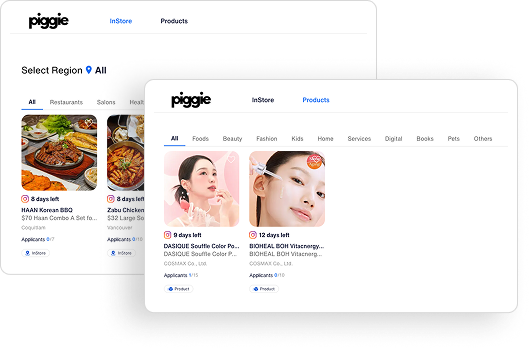
Browse and pick the best campaign

Looking for an InStore Campaign?
You can select areas near you, your workplace, or your home!
You can select areas near you, your workplace, or your home!

Looking for a Product (Delivery) Campaign?
Find one fast and get it sent to you!
Find one fast and get it sent to you!
2
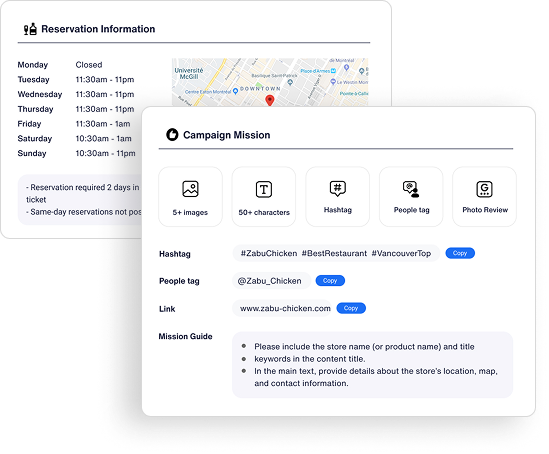
Check your chosen campaign's details
Every campaign has must-do missions, so double-check them carefully! Don’t forget to check the offers and the visitor guide.
3
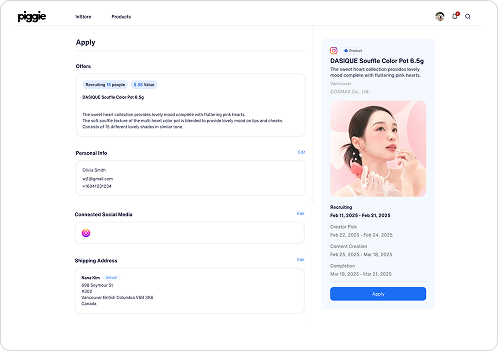
Apply now and get started
Fill in your info and connect your social media. Add your address if needed.
4
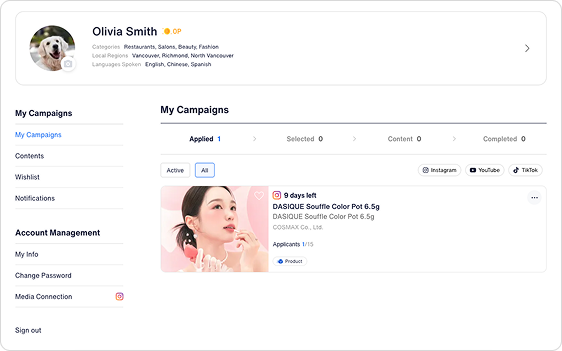
Check your applied campaigns
Check In My Account > My Campaigns. Now, just wait for the Application Review date!
Create Contents
1
Enjoy your selected campaign experience
For InStore Campaigns, once selected, you'll see the contact info of the manager. Check the visitor guide and make your booking!
For Product campaigns, try the product after it arrives!

2
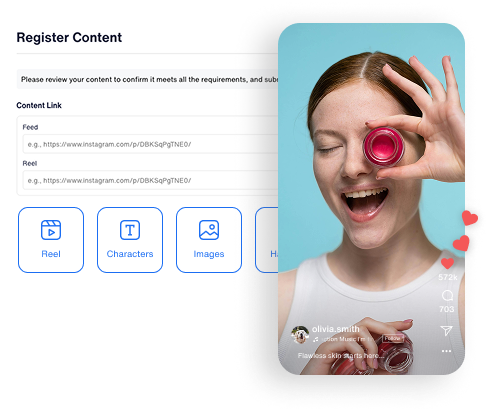
Create your content
Make sure to follow the campaign mission, including images, text, hashtags, and tags.
If you don’t meet the requirements, you may be asked to make revisions.
If you don’t meet the requirements, you may be asked to make revisions.